
Data Privacy
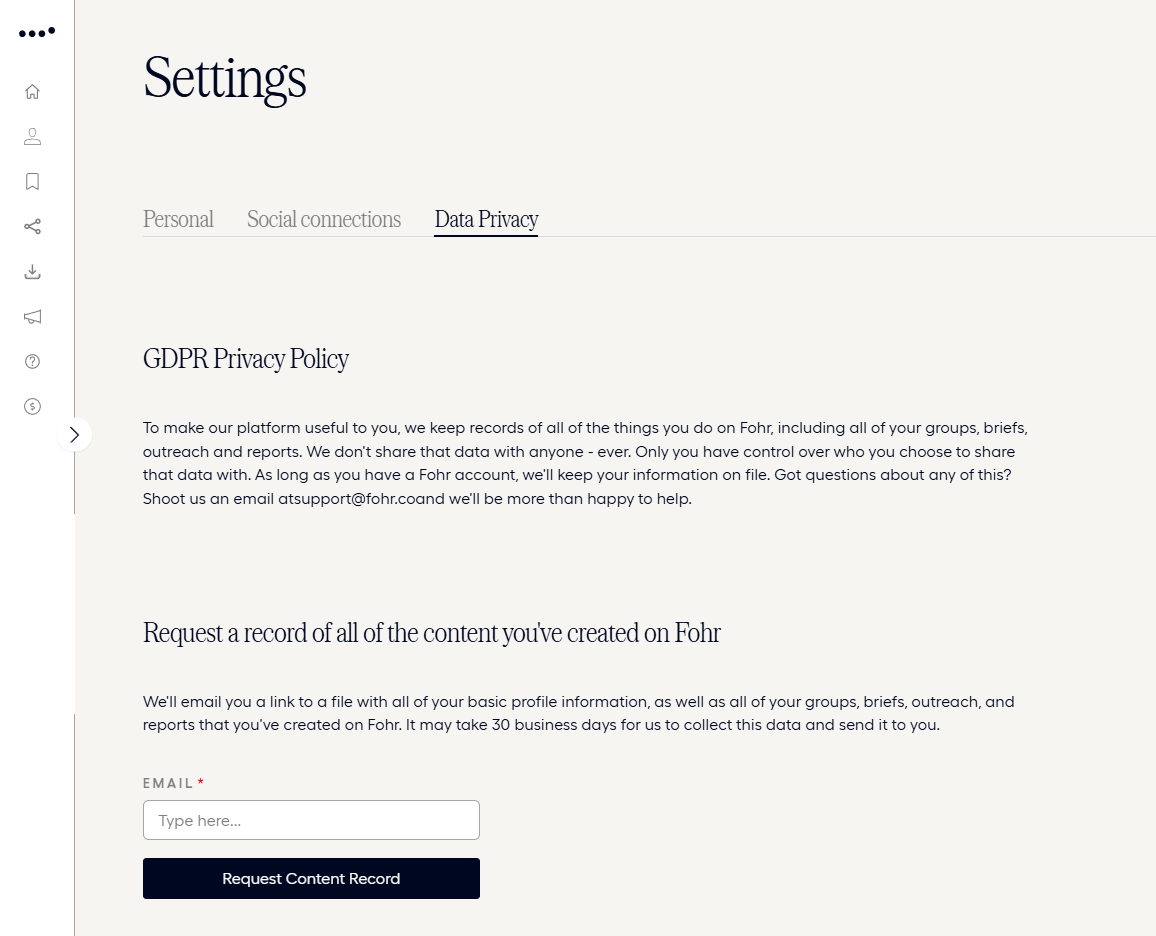
The Data Privacy tab holds Fohr’s privacy policy for your account, and a way to request a full record of everything you’ve created on Fohr.
Privacy Policy
Fohr keeps a record of everything you do on the platform, and states it never shares that data with anyone. You control who you choose to share it with, and Fohr keeps it on file for as long as you have an account.
Request a record of your content
Request your record in two steps:
- Enter your Email. Fohr requires it.
- Select Request Content Record. Fohr emails you a link to a file with your basic profile information and everything else you’ve created on Fohr.
Allow up to 30 business days for Fohr to collect and send it.
Related articles
Settings
Manage your personal info, email preferences, and connected social accounts.
Personal
Edit your name, demographics, and address, and manage your email preferences.
Social Connections
See which platforms you’ve connected, and where to connect or disconnect one.
Creator › Docs › Manage Your Account › Settings